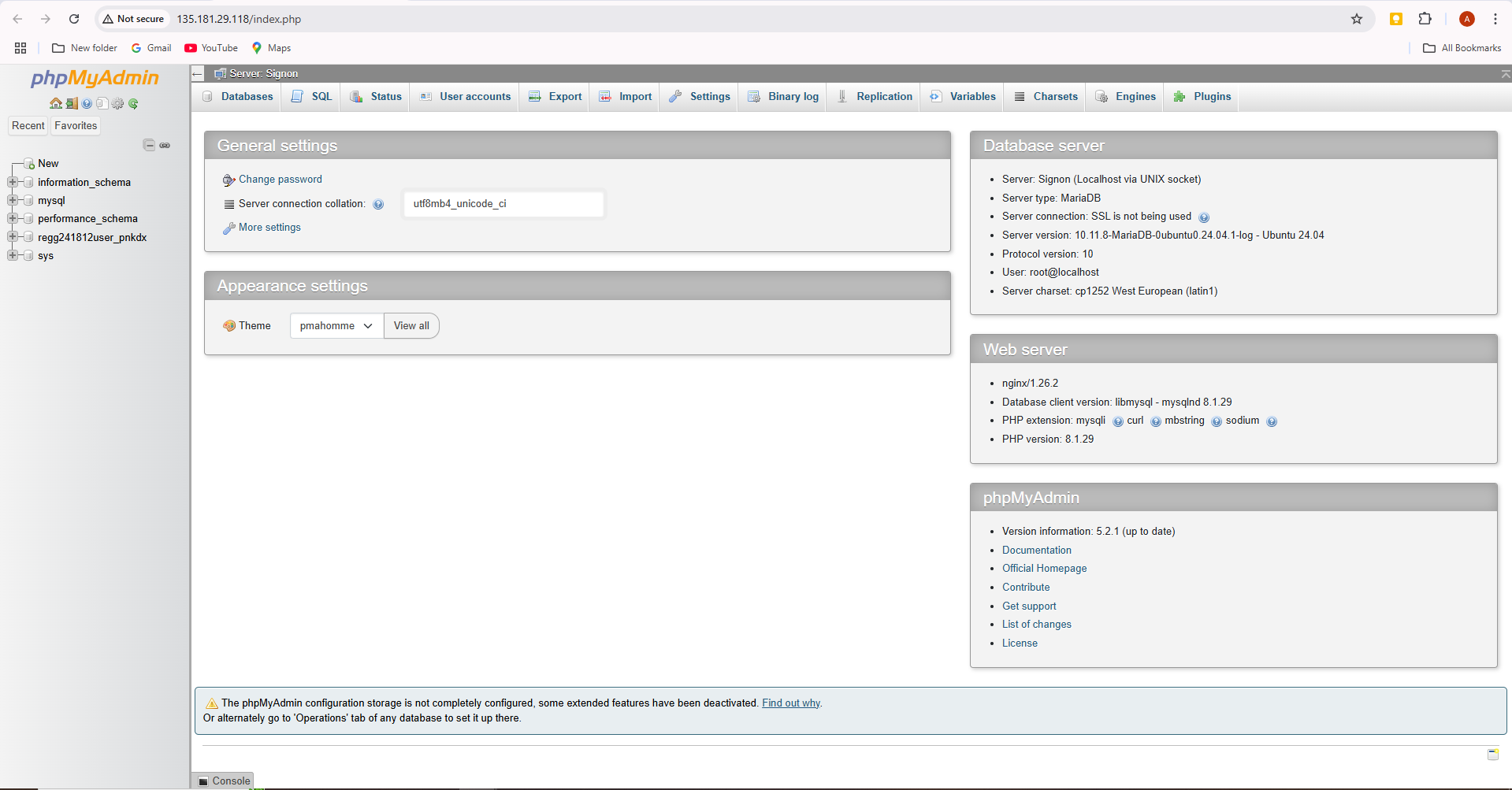
These instructions will help you to access phpMyAdmin from a server
Please follow the steps below :-
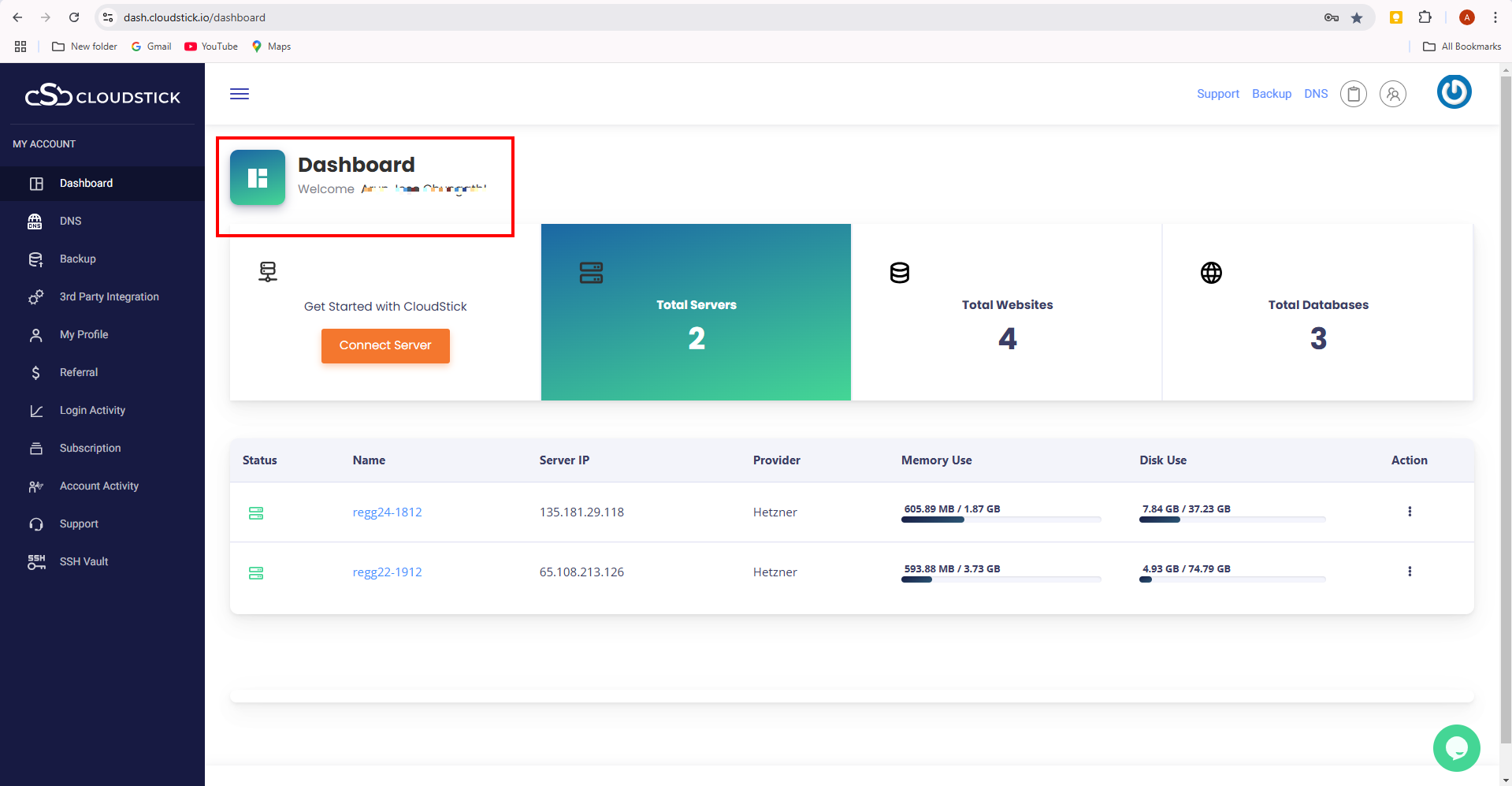
- Login to CloudStick Dashboard.

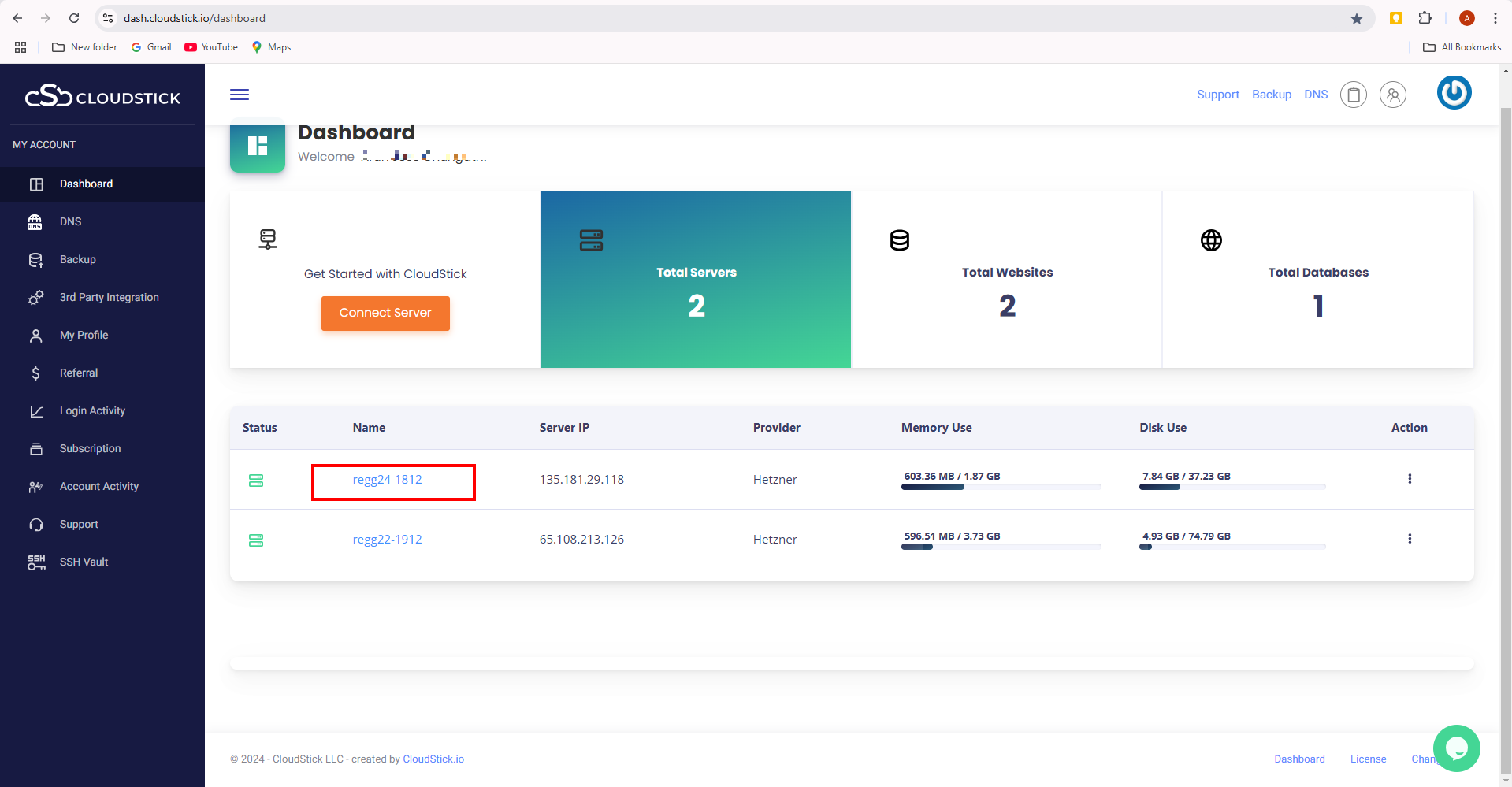
- Select the server.
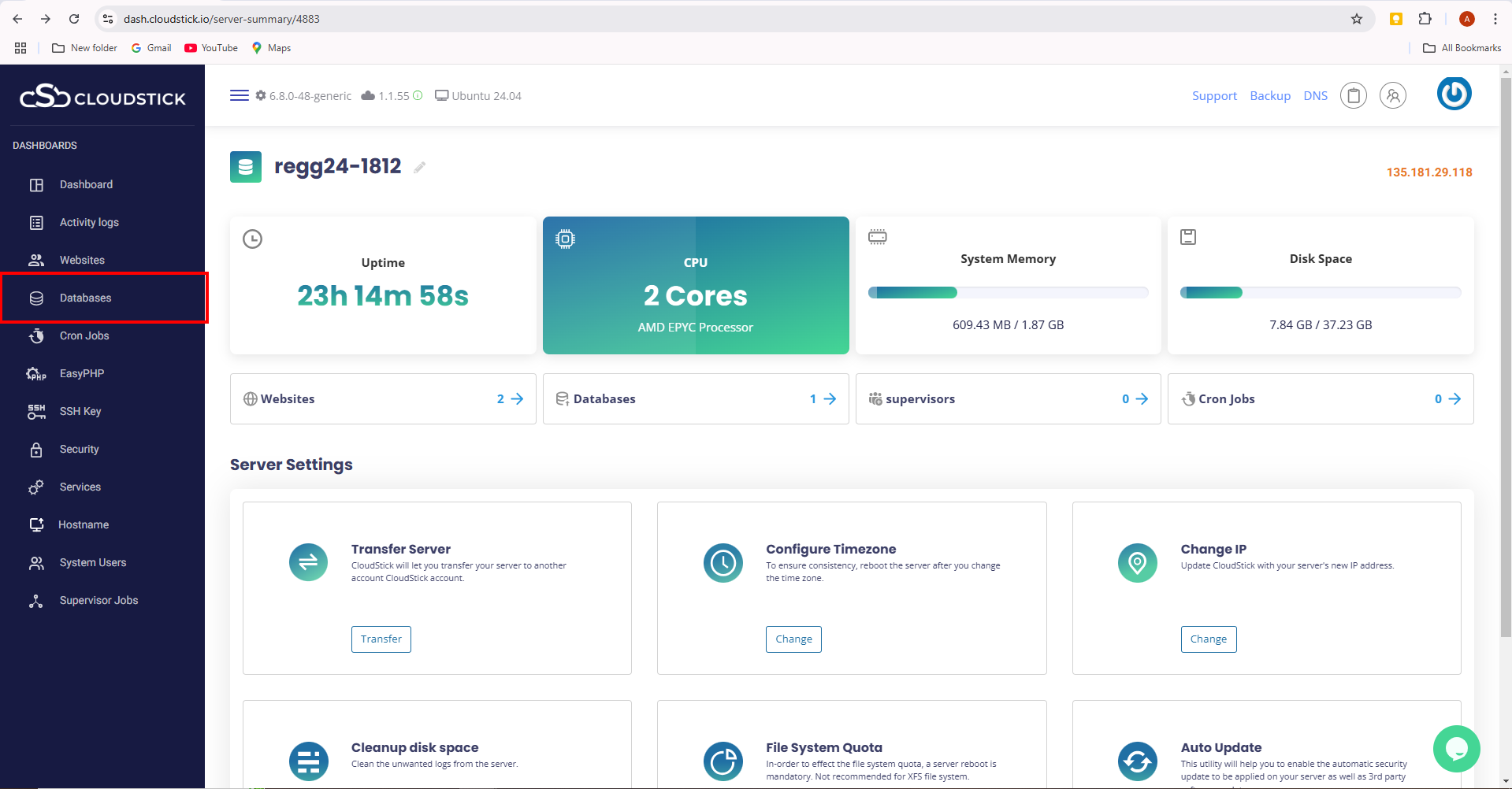
- Now choose the Databases option from the left hand side menu.
- Now you will see the phpMyAdmin written on the right hand side corner.
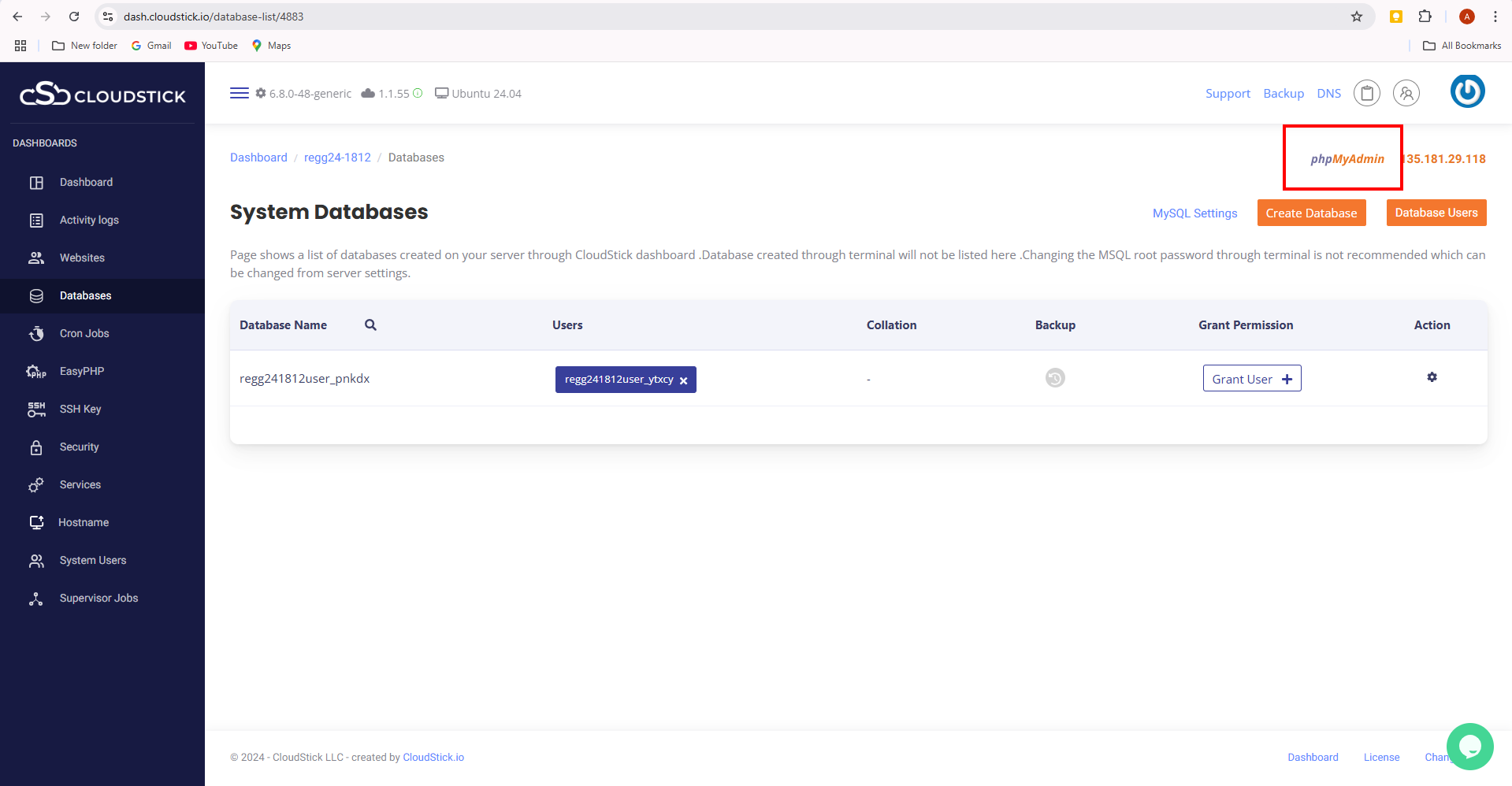
5. And click on the phpMyAdmin and you will enter into the phpMyAdmin Dashboard.